Every screen in Newsletrix, explained

This is the product documentation for the Newsletrix app. One article per section: an annotated map of the screen, what every number means, exactly how it is calculated, which filters exist, and the decision each screen is supposed to help you make. Written for the person using the product, not for developers.

28 articles Annotated screen maps Metric formulas included

How Newsletrix works

Every screen in the app is built from one raw material: the newsletters that land in your personal tracking address. Nothing is scraped, and nothing comes from a shared archive of other people's emails. You choose which senders to follow, and the app analyses what they actually sent you.

1

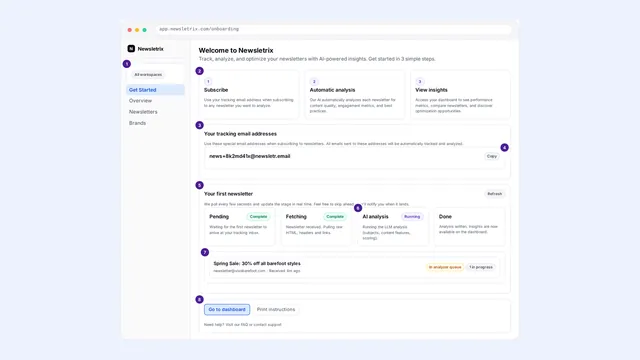
You get a tracking address

A unique inbox address, created in Get Started. Optionally tag it with a group so the data stays separated by client or market.

2

You subscribe competitors to it

Sign that address up to the newsletters you want to watch, or forward emails you already receive.

3

Newsletrix collects and parses

Each email is decoded, converted from HTML to text, and stripped down to subject, preheader, links, images, CTAs, sender headers and send time.

4

AI analyses each send

A structured analysis returns tone, topics, offers, CTA quality, structure, SWOT items and recommendations for that specific email.

5

The app aggregates it

Every screen is a different cut of the same analysed set: by brand, by time, by content type, by link, by topic.

A longer version of this, including the full list of fields the AI returns for every newsletter and what each plan includes, is in How the analysis works.

Start here

Set up collection, then read the screens that summarise everything.

Analysis

The raw material: individual sends, and the brands behind them.

Content

What competitors write, offer and ask readers to do.
Insights

Derived views: patterns, timing, quality signals and technical footprint.

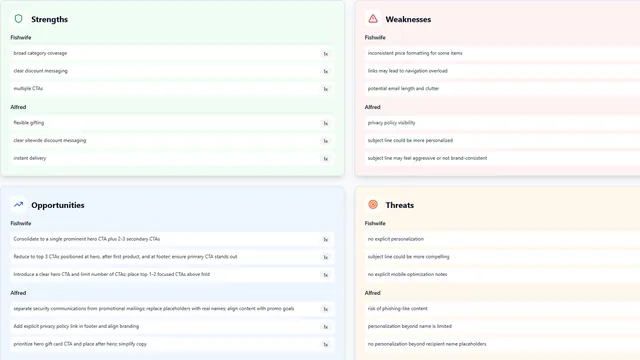
SWOT analysis

Strengths, weaknesses, opportunities and threats collected across sends, ranked by how often each item recurs.

app.newsletrix.com/swot-analysis

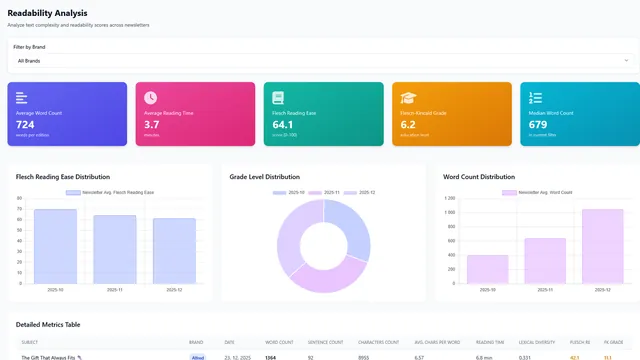
Readability

Reading ease and grade level per newsletter and per brand, and how to use the bands without over-reading them.

app.newsletrix.com/readability

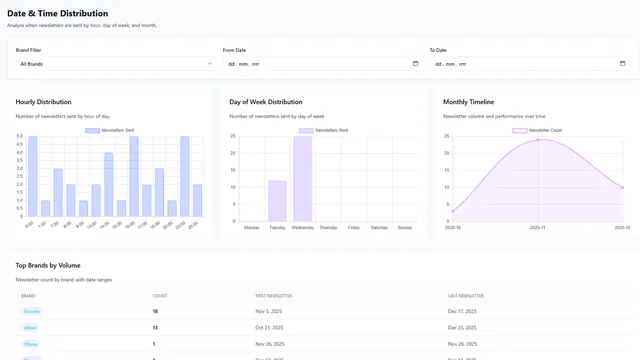
DateTime distribution

When competitors send: hour, day of week and month, plus the send-time recommendation built on top.

app.newsletrix.com/datetime-distribution

Trending topics

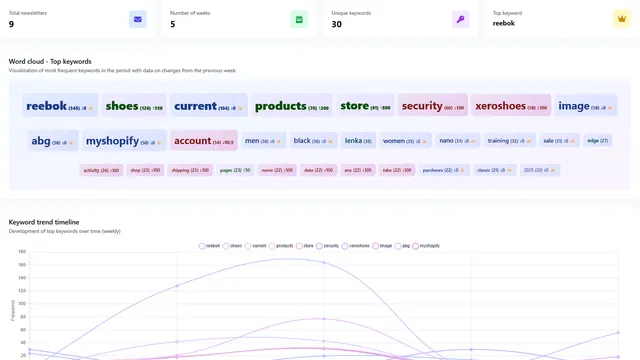
Which themes are rising and fading across your market, and the keywords driving each movement.

app.newsletrix.com/trending-topics

Link positions

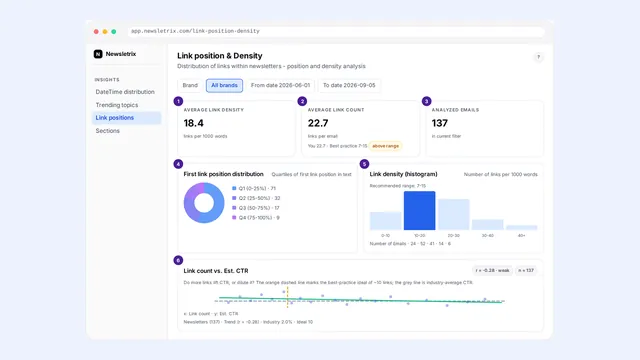
Where links sit in the email and how densely they are packed, from hero to footer.

app.newsletrix.com/link-position-density

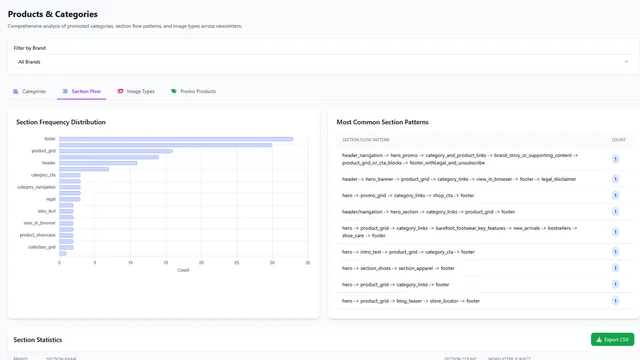
Sections

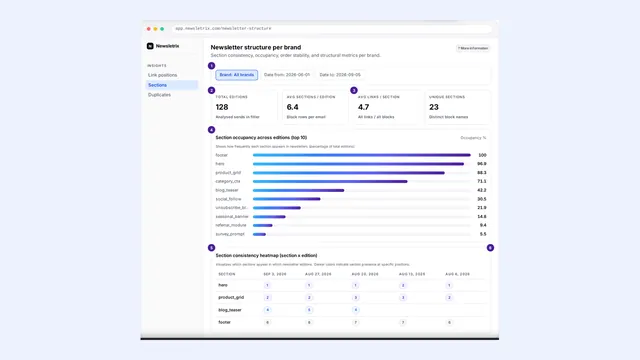
The block-by-block anatomy of a newsletter and the section orders that repeat in your market.

app.newsletrix.com/newsletter-structure

Duplicates

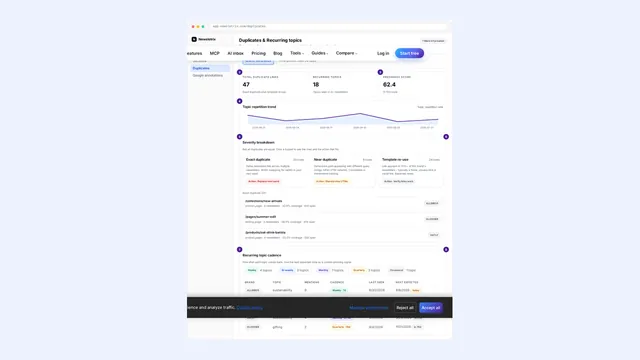
Repeated and near-identical sends, resend strategies, and what counts as a duplicate.

app.newsletrix.com/duplicates

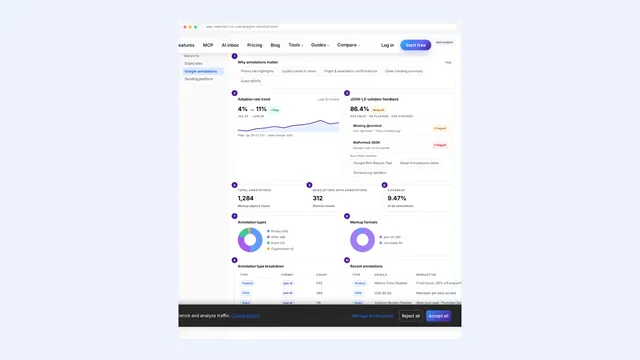
Google annotations

Promotion markup in the Gmail Promotions tab: who uses it, which fields they fill, and whether it validates.

app.newsletrix.com/google-annotations

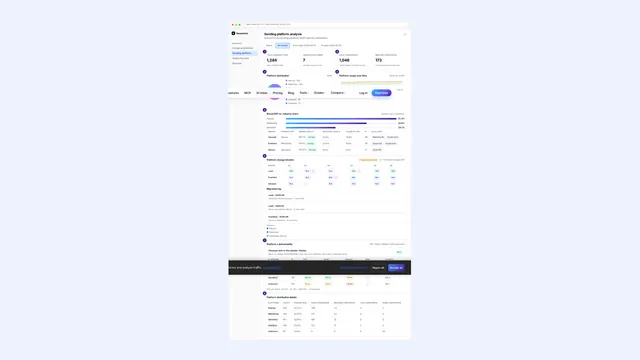
Sending platform

Which ESP each brand sends from, the signals used to detect it, and the market share view.

app.newsletrix.com/sending-platform

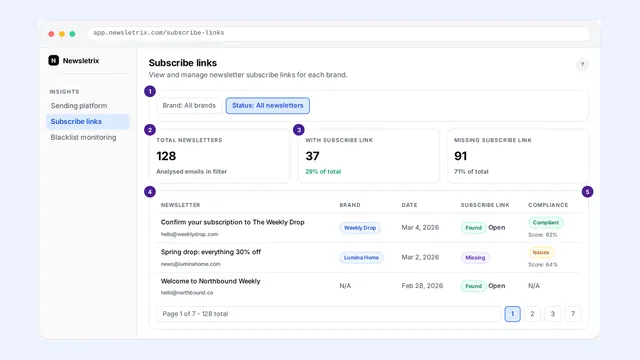
Subscribe links

Subscribe, unsubscribe and preference links found in tracked emails, and what their presence tells you.

app.newsletrix.com/subscribe-links

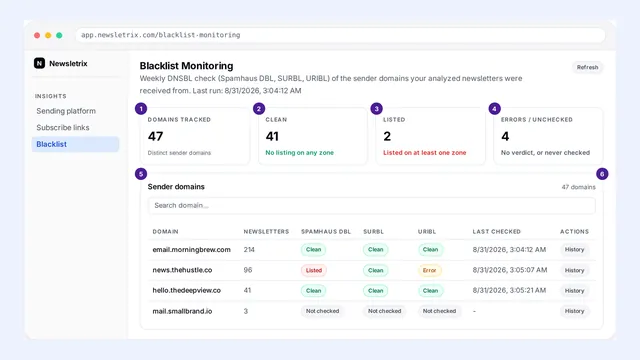
Blacklist monitoring

DNS blocklist checks on sending domains, what a listing means, and how to react to one.

app.newsletrix.com/blacklist-monitoring

Reports and account

Exports, cadence planning, settings, and machine access to your data.

Questions people ask before reading further

Estimated is not measured

Newsletrix sees competitor newsletters the way a subscriber sees them. It cannot see another sender's real opens or clicks, and it never claims to. Anything labelled est. is a model estimate built from the content of the email itself. Use it to rank emails against each other, not as a number to report to a client as fact.

Does tracking a competitor tell them anything?

You appear as an ordinary subscriber, because you are one. The sender sees an address on their list. Newsletrix does not open, click or interact on your behalf, so no engagement signal is sent back beyond the subscription itself.

How much data do I need before the screens mean anything?

A single newsletter already fills the detail view, the CTA breakdown and the SWOT items for that send. Screens that compare, rank or look for trends need repetition: roughly five sends per brand before rankings stop moving with every new email, and about a month before send-time and cadence patterns are worth acting on.

Can I separate clients or markets?

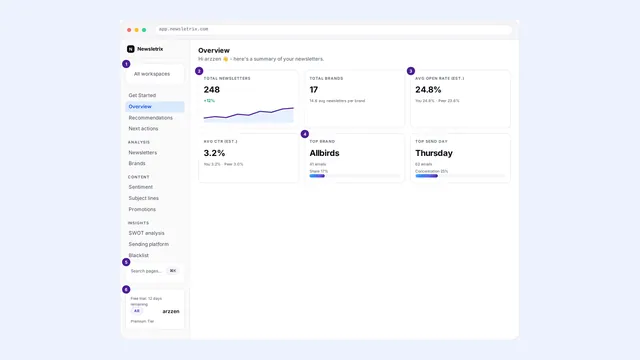
Yes. Tracking addresses can carry a group label, and the workspace selector at the top of the sidebar scopes the app to one of them. See Settings and workspaces.

Where do I report something that looks wrong?

Use the feedback option in the app, or the contact page. If a specific newsletter was parsed badly, note its subject line and sender, since that is what makes it reproducible.